How to Play with Friends in Pixel Zombie Arena
Set up a solo run or bring friends into a Pixel Zombie Arena squad, then manage rematches and check your results after the fight.
In camp, select Play and create a squad with Size 1–4. Friends can join from your entry in the in-game Players list. After a match, Play Again starts ready squadmates together after 20 seconds. To leave early and keep earned rewards, use the in-game Leave button; unspent match Diamonds expire when the match ends.
Create a Squad or Start Solo
- In camp, select Play or walk to a squad entrance.
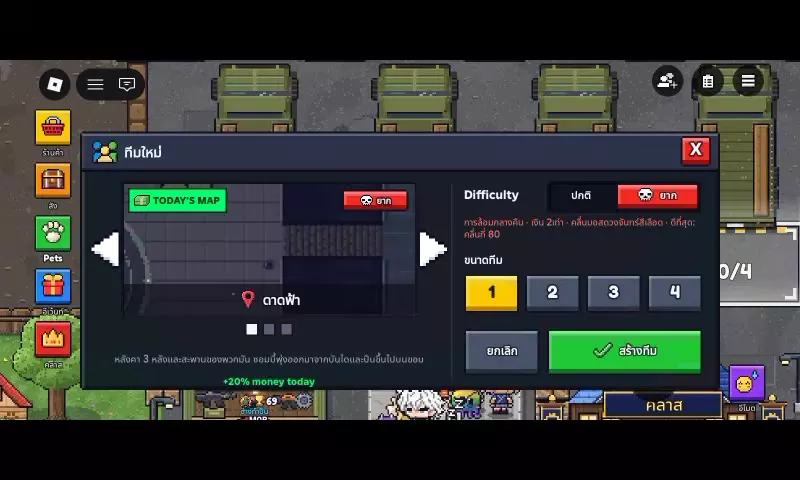
- Use the map arrows to choose Rooftops, Cargo Ship, or Subway. Choose the difficulty and a squad Size from 1 to 4.
- Create the squad and check its panel for the map, mode, and player count. Leave room if you want friends to join.
- Select Start when ready. The panel shows a countdown before the squad teleports to the map.
Choose Size 1 for a dedicated solo squad, shown as 1/1. You can also start alone with open seats: a 1/4 squad can begin a solo run.
Normal is available from the start. Reach Wave 20 in Normal to unlock Hard. See Survival Maps for map choices and Hard Mode for its rules and unlock.
Join and Add Friends
To join a friend's squad, open the in-game Players list, find your friend, and select the option to join their squad. The camp also indicates when friends come online.
To add a player during a match, open Players, select the green plus beside their name, and confirm Send. The request then shows Sent or Friend Request Sent. You can also add squadmates from the results screen.
If a player joins during a match while Skip is active, Skip stays on.
Play Again or Leave
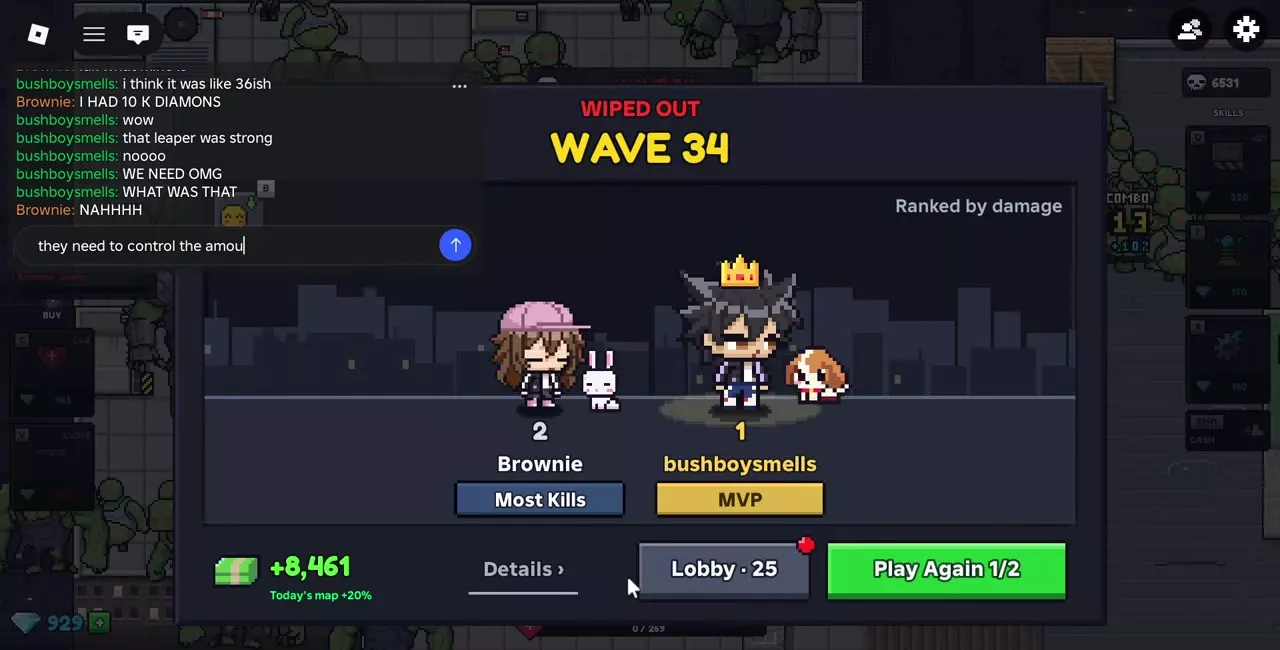
After a survival match, select Play Again on the results screen to ready up. When one squadmate starts the rematch, a 20-second timer begins; the members who are ready start the next match together. The counter shows readiness: 1/2 means one of two squad members is ready. Wait through Get Ready before the new run begins at Wave 1. Select Lobby instead to return to camp.
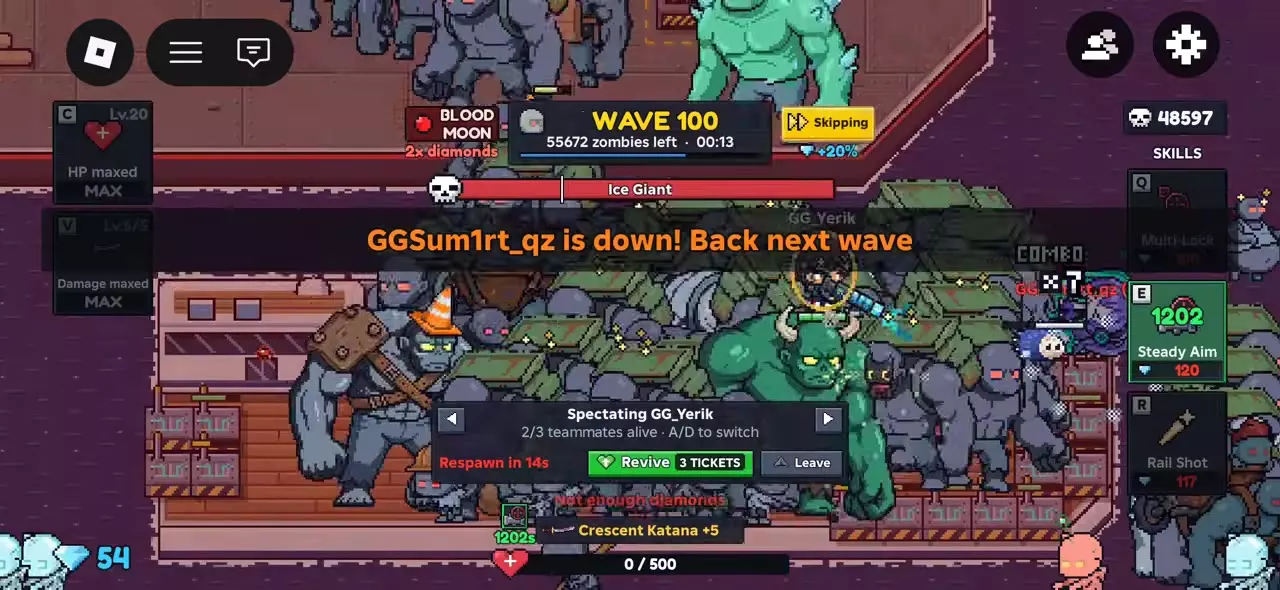
To leave during a match and keep what you have already earned, select the in-game Leave button at the top right. If you are down while a teammate is alive, the spectating screen also has a Leave button. Spend any Diamonds you want to use before leaving: unspent match Diamonds expire when the match ends.
Read the Survival Results
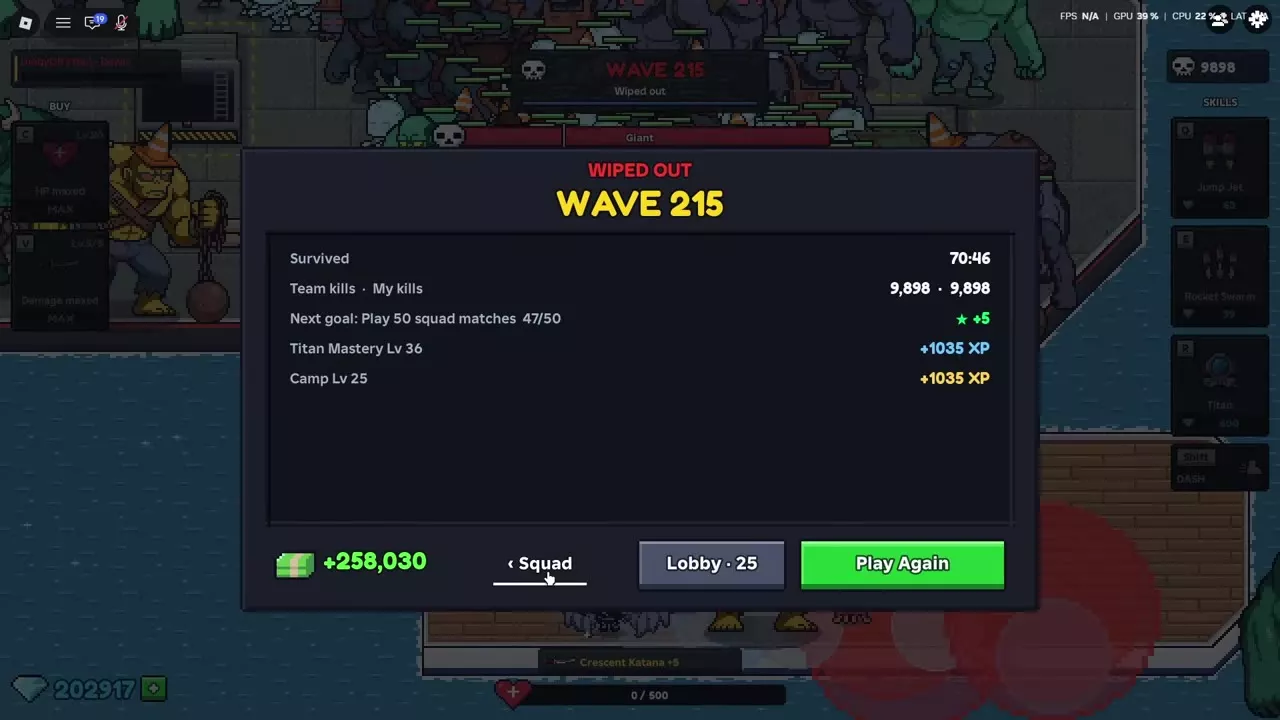
The Wiped Out screen shows the wave reached and your payout. A New Best! label marks a new personal record. Open Details to see survival time, team and personal kills, next-goal progress, and XP gained for class mastery and camp levels.
Squad results rank players by damage and can show separate MVP and Most Kills badges. Use the Top Survivors leaderboards to look up personal bests by map and season.